
How to take a social media break: a 7-day plan that holds
To take a social media break, choose the apps, pick a length of seven days, tell the few people who need to know, log out and remove the apps, plan three replacements, and decide in advance how you will return. A written plan matters more than willpower, because the hard part is hour two, not day one.
Coming soon to iPhone
What is a social media break?
It is a voluntary pause from social platforms for a set time. It sits inside the broader idea of a digital detox, which Wikipedia describes as a deliberate break from digital devices to mitigate screen overuse and promote offline activities. The same article says approaches range from setting limits to complete abstinence, and that detoxes may bring positive effects on focus, relationships and well-being but can also raise social pressures and fear of missing out.
That balance is useful. A break can help, and it has costs. Plan for both.
How long should it last?
Seven days is long enough to feel a difference and short enough to try. Three days is too short for the early restlessness to fade. Thirty days suits a deliberate reset but needs more planning. If you are unsure, start with a week and decide what to do next on day seven.
Day 0: Prepare
Do these before you begin.
The return plan is the item people skip. Decide now whether you will come back to all of it, to some of it, or to none, and under what limits.
- List the apps. Include the ones you open without thinking, such as video and short-form feeds.
- Tell close friends and your family you will be slow to respond on those platforms, and give them another way to reach you.
- Log out and delete the apps from the phone. Do not delete the accounts.
- Turn off notification emails from the platforms.
- Plan three replacements, such as a book, a walk and a call.
- Write down your return plan.
Days 1 to 3: Expect restlessness
The first days tend to feel itchy. Your hand goes to the phone and finds nothing to do. This is the habit, not a failure. Keep a note of the moments the urge comes: waiting in line, after a meal, late evening. Use the replacements. If you slip and open an app in a browser, note it and carry on, because a slip does not cancel the break.
Days 4 to 6: Notice what changes
By the middle of the week, people often report that evenings feel longer and that they finish things they had left half done. They also notice what they miss. Write both lists. The things you miss, whether it is a friend's updates or a group, tell you what is worth keeping. The things you do not miss are candidates to drop.
Day 7: Decide
Read your notes. Choose what comes back and in what form. Some options: return to one app only, on a schedule; return with a pause before the app opens; return with the app off the Home Screen; or stay away from a platform for another month. Write the decision down, and set a reminder to review it in two weeks.
What should you use as a pause when you return?
A reentry plan works better with a speed bump. A Shortcuts automation can run when you open a platform. Ebb, an iPhone app in development, adds a short focus round and a cost that rises with each pass in Pro. If you turn back, it counts toward a streak. It is a pause you choose, not a block, and it cannot stop you from deleting it. See the gate and Instead, which offers two-minute alternatives.
How do you stay in touch?
Give friends a different channel: texts, calls or a small group chat. Offer one plan a week with someone you miss. Social media often substitutes for contact, so make the contact explicit. People are usually glad to be asked.
What if you need the platform for work?
Make the break about the personal side. Use a separate device, a browser on a computer, or a scheduled window for work tasks. Keep notifications off outside the window. The aim is to cut the reflex, not to harm your job.
What should you do about group chats?
Group chats are the hardest part, because they mix social media with real planning. Move the plans to messages or a phone call, and mute the chat on the platform for the week. Tell the group once, with the date you will be back. Most people respond with respect, and some will join you. If the chat is essential, check it in a browser at a set time.
How do you handle the fear of missing out?
Name it. Wikipedia lists fear of missing out among the pressures that digital detoxes can raise. Plan a way to hear about what matters: a friend who will text you the big news, a weekly call with a few people. Then notice how much of what you missed, you did not miss. The things that matter reach you through other routes.
What do you do if you break the plan?
Open the app, notice how you feel, and close it. Do not decide the break is over. Write down the trigger and keep going. A break is a pattern, and one slip does not erase six good days. If you find yourself slipping every day, shorten the plan or make the apps harder to reach, such as by removing saved passwords.
What will you gain in practical terms?
Hours, mostly. If your daily social media use is an hour and a half, a week returns about ten hours. Decide what those hours are for before the break begins. Write down two or three things you have been putting off, such as a book, a letter, a project or a workout. When the urge comes, the list gives you somewhere to point it. A break with no destination tends to leak into other screens.
Frequently asked questions
How long should a social media break be?
Seven days is a good first try. Three days is often too short and thirty needs more planning.
Should I delete my account for a break?
No. Delete the apps from your phone and log out. Keep the account so you can decide later.
What do I do instead of scrolling?
Plan three replacements in advance: a book, a walk and a call with a friend.
How do I come back after a break?
Decide in advance. Return to one app on a schedule, or with a pause before it opens.
Is a social media break good for you?
Digital detoxes are reported to help some people with focus and well-being and to cause social pressure for others. Try a short one and judge by how you feel.
Keep exploring
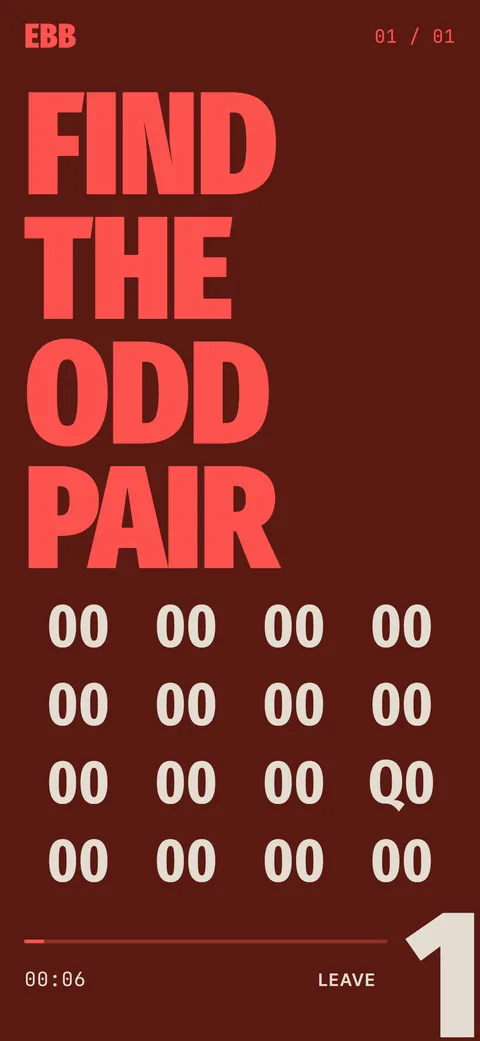 Ebb InsteadTwo-minute alternatives in six categories. 40 ideas, 6 in the free version, plus your own.