The gate in front of your feed
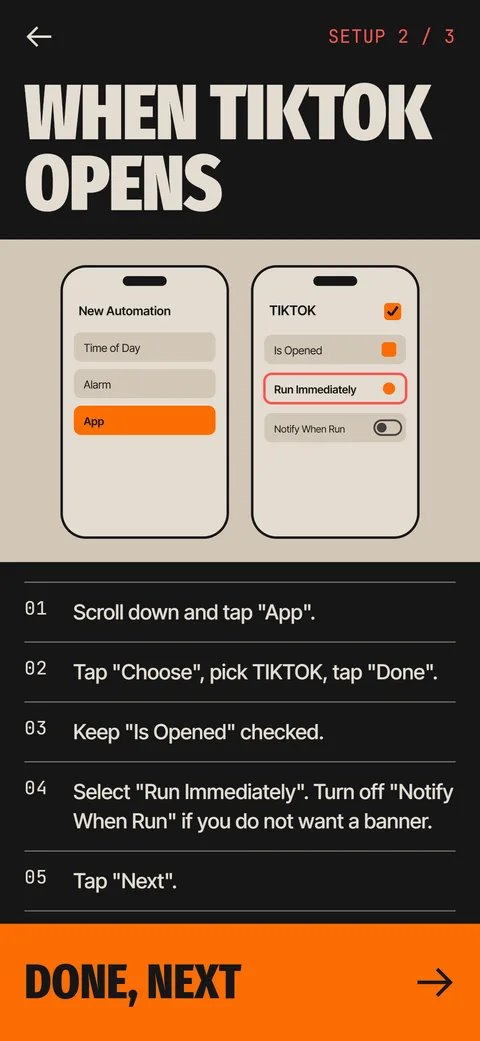
The Ebb Gate is a pause that opens when you launch a feed app. A personal automation in the iOS Shortcuts app runs the Ebb Gate action, Ebb comes forward with a short focus round, and the app opens only after you pass it. You can switch the automation off whenever you like.
Coming soon to iPhone
How does the gate work step by step?
You set up one automation per app. After that the flow is the same each time you open that app.
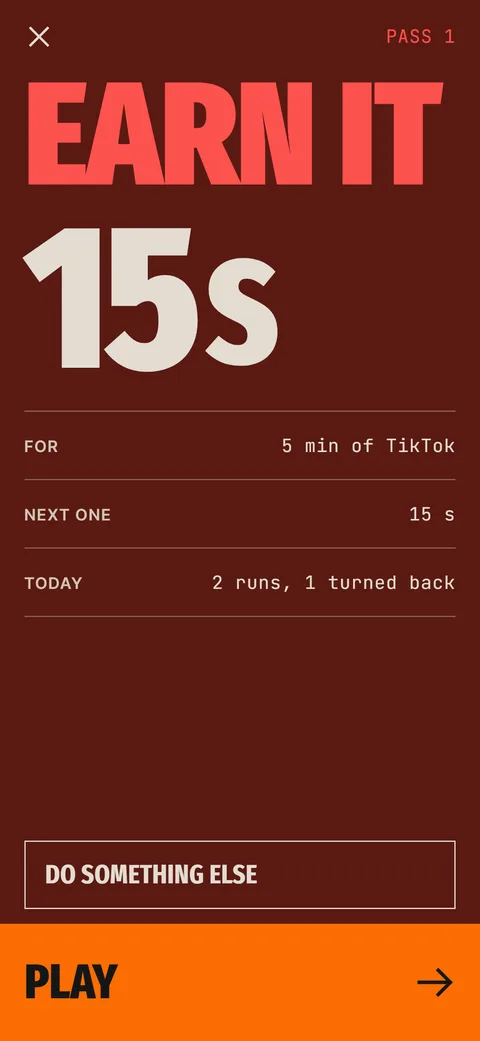
The gate screen is plain on purpose. A large number shows the cost of the pass, below it the minutes you would get, the next pass cost and how many gate runs you have had today with how many turned back. Two buttons sit at the bottom, Play and Do something else.
- You tap a gated feed app.
- The automation runs the Ebb Gate action and Ebb comes to the front.
- Ebb shows the cost of the pass, the minutes you would get and how many times you have opened the app today.
- You play the round, or close the gate, or choose something else to do.
- After a pass you pick how long you want, then tap the button that opens the app.
Which apps can have a gate?
The list covers the main social and short-video apps. An Other option exists for any app that is not on the list. For the listed apps Ebb reopens the app through its public link after you pass. For Other, it tells you to return to the app from the top-left corner of the screen or from the Home Screen.
The free version covers one app. Pro covers up to 12.
What do I see on the gate screen?
The screen leads with the words Earn it and the number of minutes you would get for the app you opened. Below that sit the next pass cost, a counter such as Pass 2 of 5 and a line with today's runs and how many you turned back. Play starts the round, Do something else opens Instead, and a small Close the gate link lets you leave.
Free users see the pass number without a total, because the fixed round has no daily budget.
How long do I get after a pass?
You choose 5, 10 or 15 minutes. Free keeps it at 5. While that window is open, the automation lets you straight through, because Ebb remembers the pass. When the window ends, Ebb sends one local notification. It cannot close the other app, so the next time you open it, the gate appears again.
What if I fail the round or close the gate?
A failed round shows a short wait, then Try again. Leaving the round screen counts as a fail, and a failed round does not make the next one more expensive. Closing the gate, choosing Instead or skipping the app after a pass all count as turning back, and turning back is what builds your streak.
Why does the app flash before the gate?
iOS runs an automation after the app has started to open, so you may see the app for a moment before Ebb comes forward. It lasts under a second. If a banner appears every time, turn off Notify When Run inside the automation. The in-app help covers this and how to remove Ebb completely.
How do you know the gate is working?
Each gate has a status chip. Connected shows the last time Ebb saw a run. Not seen yet means you have not completed the first check, and Not seen 3 days means no opens have arrived in three days, either because you took a break or because the automation is off. The Today screen asks which one it is, and a Check setup button reopens the guide.
You can also open the gate log to see every run with its time, cost and result: turned back, passed, failed or did something else. For a new gate, open the app once and watch the chip change. If it does not, the likely culprits are Ask Before Running and a mismatched App field.
Who is the gate for?
It suits people who open a feed without deciding to and would rather have a short interruption than a lock. It does not suit anyone who needs a hard stop, and it cannot help with apps you never open directly. If you want a stricter wall, pair the gate with a Screen Time passcode held by someone else, as described in Screen Time and the Ignore Limit button.
What can the gate not do?
It runs when an app opens, not inside it. If you scroll short videos inside a video app, a gate on that app helps only at the moment you open it, so pick short windows after a pass. Ebb also cannot see what you do in the other app. It knows the gate ran, and when.
Read how to run a Shortcut when an app opens for the Apple side of the setup.
Frequently asked questions
Does the gate run if I open the app from a notification or a link?
That depends on iOS. The automation is triggered by the app opening, and Ebb can only report when its own gate ran. If a gate does not appear, use the check in the gate settings.
Can I use Ebb on more than one app?
Yes. Free covers one gated app and Pro covers up to 12. Each app needs its own automation.
What happens if I delete the automation?
The gate stops opening. Ebb shows the app as not seen after three days and can remind you if you turn that check on.
Can I disable the gate for a day?
Yes. Turn the automation off in Shortcuts, or delete it. Ebb is built to be removable.
Keep exploring
 Ebb Pass CostsRounds of 15, 30 and 60 seconds, a daily pass limit and optional Morning and Night rules.
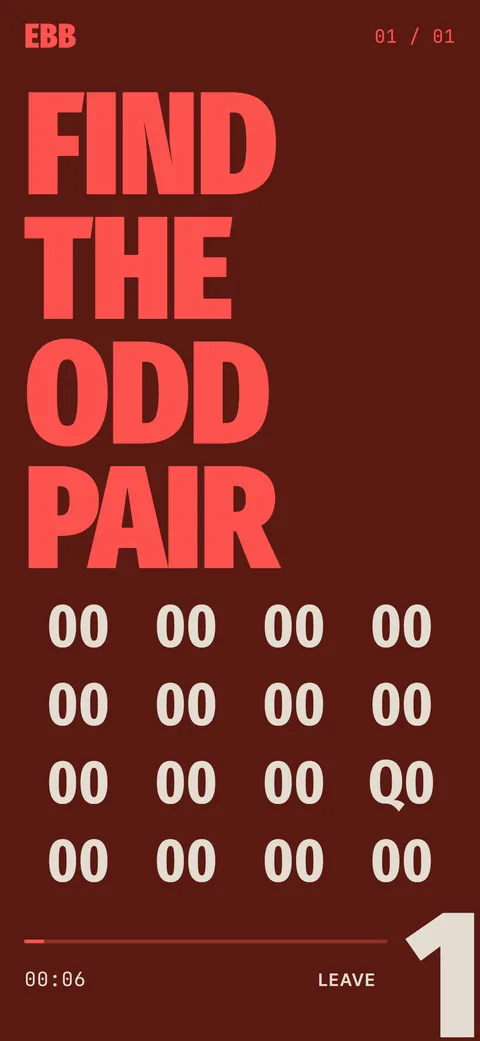
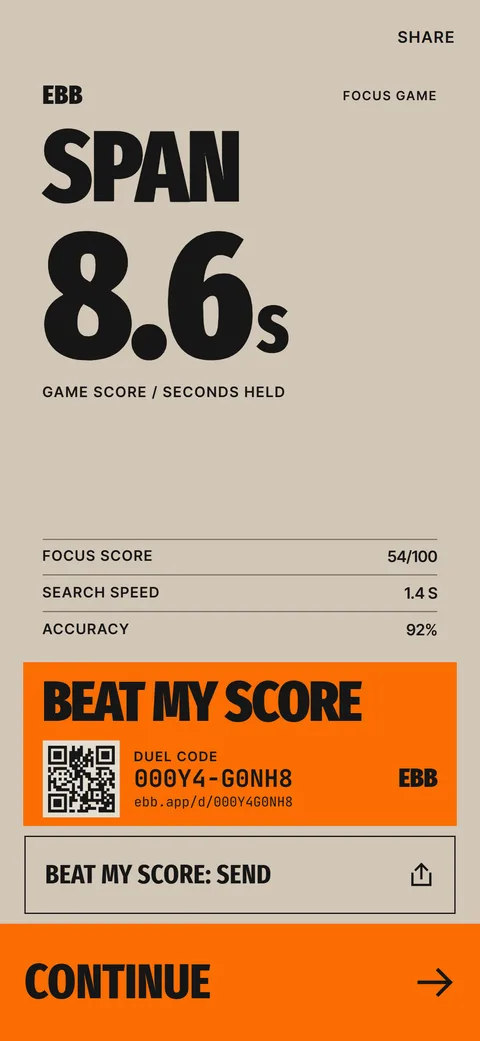 The Ebb Focus GameSearch, Hold and Switch rounds, a span score in seconds and a daily game.
 Ebb InsteadTwo-minute alternatives in six categories. 40 ideas, 6 in the free version, plus your own.
 How to Run an iPhone Shortcut When an App OpensThe App trigger in Shortcuts, step by step, with the settings that matter and what to do when it flashes.Ebb SupportFast answers on the Shortcuts gate, subscriptions, data export and erase.Why Are Short-Video Apps So Hard to Put Down? 6 ReasonsSix design features that keep a feed going, with the psychology in plain terms and a few ways to add a stop.