
How to stop scrolling in bed, step by step
To stop scrolling in bed, move the phone out of reach, set a Sleep Focus that hides feeds, buy a cheap alarm clock, and add a pause before feed apps open after your bedtime. Do it for one week. The plan works by changing the room, because willpower is lowest at 11 pm.
Coming soon to iPhone
Why do we scroll in bed?
Bed combines three conditions that favor scrolling: you are tired, you are alone, and the phone is within reach. Tiredness lowers self-control. Being alone removes the social check. The phone is right there. Add the fact that a feed has no end, and a quick look at 10:30 turns into midnight.
Sleep advice has said for years to treat bed as a place for sleep. The Wikipedia article on sleep hygiene lists limiting exposure to light in the hours before sleep, keeping a regular schedule and keeping the sleeping environment dark and comfortable among its recommendations. A feed in bed works against most of that.
What is the plan?
Five steps, in the order that gives the biggest gains.
You can do the first two tonight for almost no cost. The rest take about ten minutes in total.
- Park the phone across the room on a charger.
- Buy an alarm clock so the phone is not your alarm.
- Turn on a Sleep Focus that hides feed apps and notifications.
- Add a late pause before feed apps open.
- Put a book or a podcast in reach as the replacement.
Step 1: Park the phone across the room
Distance is the strongest tool. If the phone is on the nightstand, the cost of picking it up is almost nothing. If it is across the room, the cost is a walk, and you have to get out of bed in the dark to do it. Most urges fade before you get there.
Choose a spot with a charger already plugged in. A hallway shelf, a desk or a kitchen counter works. If you are worried about emergencies, keep ringer volume on for calls from your favorites.
Step 2: Use a real alarm clock
The phone as an alarm is the most common excuse. A simple clock or radio removes it, and it costs less than most phone cases. If you cannot get one, set the alarm and place the phone face down on the far side of the room.
Step 3: Set a Sleep Focus
Apple's Sleep Focus can follow a schedule, dim the Lock Screen and silence notifications. The company documents it in the guide to turning Sleep Focus on or off. You can also set which apps and people may notify you. Choose only calls from family and a few essentials.
Hiding the Home Screen pages with feed apps during the Focus is a useful extra. Fewer icons means fewer cues.
Step 4: Add a late pause
A Shortcuts automation can trigger when a feed app opens. After your bedtime, the pause should be firmer than during the day. Ebb, an iPhone app in development, has a Night rule in its Pro plan that covers the time from bedtime to wake time with 60-second rounds and a 5-minute maximum after a pass. Pro also has a daily limit setting. See pass costs for how the rules combine.
The Night rule is not a lock. If you decide you want the feed, you can pass and open it. The aim is that the decision is yours, made awake.
Step 5: Make the replacement ready
The slip happens when your hand wants something to do. Put a book on the pillow. Queue a podcast or an audiobook with a sleep timer. Keep a notebook for thoughts that would otherwise become a search. If you do reach for the phone, Ebb's Instead feature offers two-minute ideas such as setting out tomorrow's clothes or drinking a glass of water. See Instead.
What if you wake up at night?
Do not look at the phone. Looking at it adds light and information at the worst time. If you cannot sleep, get up, sit in dim light and read something dull, then go back to bed when you feel sleepy. Sleep hygiene guidance also suggests getting out of bed if sleep does not come.
How long until it feels normal?
Expect a rough three or four nights. The first nights feel strange because your hand keeps reaching. By the second week, most people stop noticing the missing habit. If you slip, restart the next night without drama.
What about blue light?
Many people blame blue light for bad sleep after screens. The evidence is mixed. Bright light of any color in the evening can affect alertness, and the content on the screen matters as much as the light itself. A stressful news feed will keep you awake with or without a warm filter. Treat Night Shift or Dark Mode as comfort settings, and do not count on them to fix the habit.
What if your partner scrolls in bed?
Talk about it as a shared routine, not a complaint. Agree on a time when screens go away, and offer something to do instead, such as reading side by side. If one of you needs the phone for work late, set a limit that works for both, like a parking spot outside the bedroom for the one who tends to drift into feeds. Try it for a week and review.
Can an e-reader or a book replace it?
Yes, and many people find it the most pleasant replacement. A paperback has no notifications, and an e-reader with a warm light is calm. The risk is that you read on your phone instead, which brings the notifications back. Keep reading apps off the phone at night if the temptation is strong.
What does a good evening look like?
Dinner, a screen-free hour, a short tidy, lights low, the phone on its charger in the hall at a fixed time. Read for twenty minutes, then sleep. It sounds ordinary, and that is the point. A routine you repeat is what makes the phone's absence feel normal. Pick the time to park the phone by working back from the time you want to be asleep, and set a daily reminder for it.
Frequently asked questions
How do I stop scrolling my phone in bed?
Charge the phone across the room, use a separate alarm clock, set a Sleep Focus and put a book or podcast within reach.
Should the phone be in the bedroom at all?
It can be, as long as it is out of reach. Distance is the most reliable change.
Does grayscale help at night?
It may make feeds less appealing, but it does not remove the habit. Combine it with distance and a pause.
What can I do instead of scrolling before sleep?
Read a few pages, listen to a podcast with a sleep timer, write tomorrow's list, or drink some water.
Does Ebb work at night?
In its Pro plan, a Night rule covers bedtime to wake time with 60-second rounds. It is a pause and not a lock.
Keep exploring
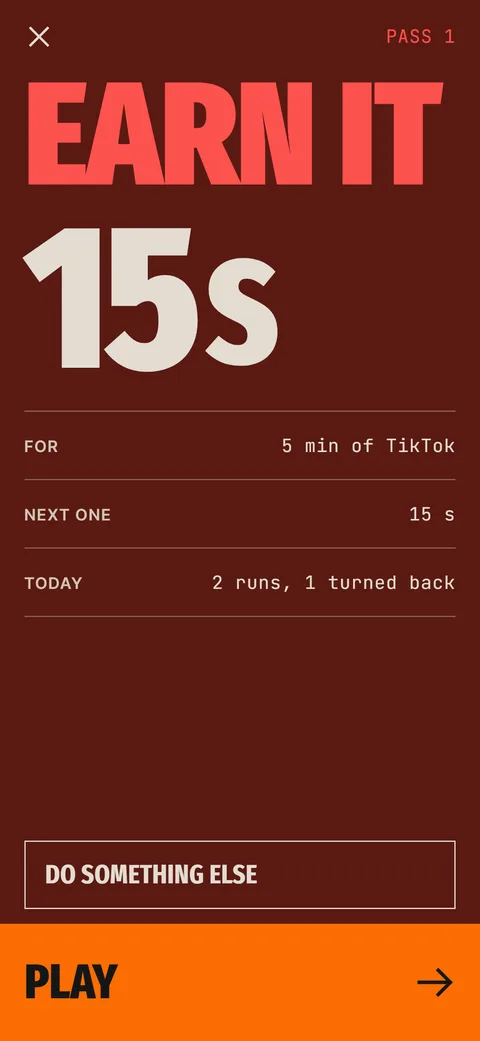 Ebb Pass CostsRounds of 15, 30 and 60 seconds, a daily pass limit and optional Morning and Night rules.
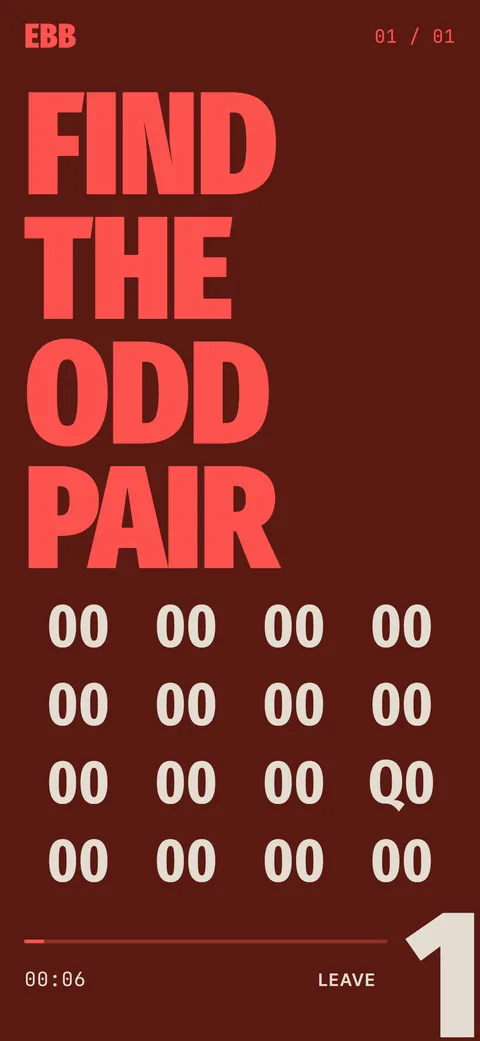 Ebb InsteadTwo-minute alternatives in six categories. 40 ideas, 6 in the free version, plus your own.