
A receipt for the hours you type in
The Scroll Receipt turns the daily Screen Time figure you type in into hours per week and per year, waking days and books. Ebb does not read your usage from iOS. Every line is labeled as coming from what you told it, and the math is shown as math, not as a measurement.
Coming soon to iPhone
How is the receipt calculated?
During onboarding you enter your daily Screen Time, with a slider from half an hour to 12 hours, and a hint on where to find it: Settings, Screen Time, See All App and Website Activity. Use the daily average. Ebb then multiplies.
| Line | How it is worked out |
|---|---|
| Per week | Daily hours times 7, with full-time work weeks for comparison |
| Per year | Daily hours times 365 |
| Waking days | Yearly hours divided by 16-hour days |
| Books | Yearly hours at 6 hours per book |
| Languages | Yearly hours at 600 hours per language to B2 |
| By age 80 | Hours times years left, shown as waking years |
How do you read the lines on a receipt?
Take a daily average of 4 hours. Per week that is 28 hours, per year 1,460 hours. Divided into 16-hour waking days, that is about 91 days a year. At 6 hours per book it equals about 243 books, and at 600 hours per language it is about 2.4 languages to B2 level. Each of those is a plain division, and the receipt shows it as one.
Treat the book and language lines as scale, not as promises. Nobody turns every free hour into reading, and the 600-hour figure is the receipt's own assumption. The lines exist to make a large number feel real for a few seconds.
Why does Ebb ask me to type the number?
Because it does not use the Screen Time APIs. Ebb sees only that its own gate ran. This keeps your data on the phone, and it means the number is yours to enter honestly. The footer says it directly: math on your own number, not a measurement.
In practice the number takes ten seconds to find: open Settings, then Screen Time, and read the daily average. If you do not know it, skip the question and use an estimate you can defend. A rough figure keeps the maths honest and the receipt still makes its point.
What is the weekly receipt?
Each week the app has a receipt with two groups. From Ebb lists gate runs, times you turned back, passes, minutes you chose, Instead done and your best span. You reported has the Screen Time number you enter in a short weekly check-in on Sundays. The total shows the change you reported, such as minus 1 hour 20 minutes a day, or the turn-back count if you skipped the check-in.
The free version shows the first group and a teaser of the second. Pro shows the full receipt with a trend.
How do you get the most from the weekly check-in?
Do it on Sunday, using the weekly figure from Settings, Screen Time, and write down the number before you decide how you feel about it. The comparison across weeks is where the receipt earns its place: a drop of 40 minutes a day is more informative than any single total.
If you skip a week, the receipt shows your turn-back count instead of a change, so a missed check-in does not break anything.
What does the receipt not tell you?
It says nothing about which apps ate the hours, whether the time was useful, or whether it was work. A parent reading a recipe site and someone watching short videos produce the same hours. It also assumes your daily average stays flat for a year, which real weeks never do.
That is why the receipt is a prompt to look closer, not a verdict. If the number surprises you, the next useful step is the gate on the one or two apps behind it.
Can I share the receipt?
Yes. A receipt can be sent as a 9:16 image card from the share screen. The weekly and streak cards carry a code for a duel on your best score. See duels and cards.
Why a receipt at all?
A figure like 5 hours a day does not mean much until it is turned into days in a year. The receipt does only that, and it labels the result so no one mistakes it for a diagnosis. For reading on why short-form feeds eat time, see what brain rot means.
The format borrows from a till receipt on purpose: rows, a total and a footnote. It is meant to be read in a few seconds, and a plain list of numbers tends to land better than a long speech about habits.
Frequently asked questions
Does Ebb read my real Screen Time?
No. You type the daily average from iOS Settings, and Ebb works only with that number.
Is the receipt accurate?
It is arithmetic on your own figure. Ebb labels it as math on a number you entered and not as a measurement.
Can I skip the age or Screen Time questions?
You can skip the age. Without it, the receipt shows days per year in place of the by-age-80 total. Both answers stay on your phone.
Where do I find my daily Screen Time number?
Open Settings, then Screen Time, then See All App and Website Activity, and read the daily average.
Keep exploring
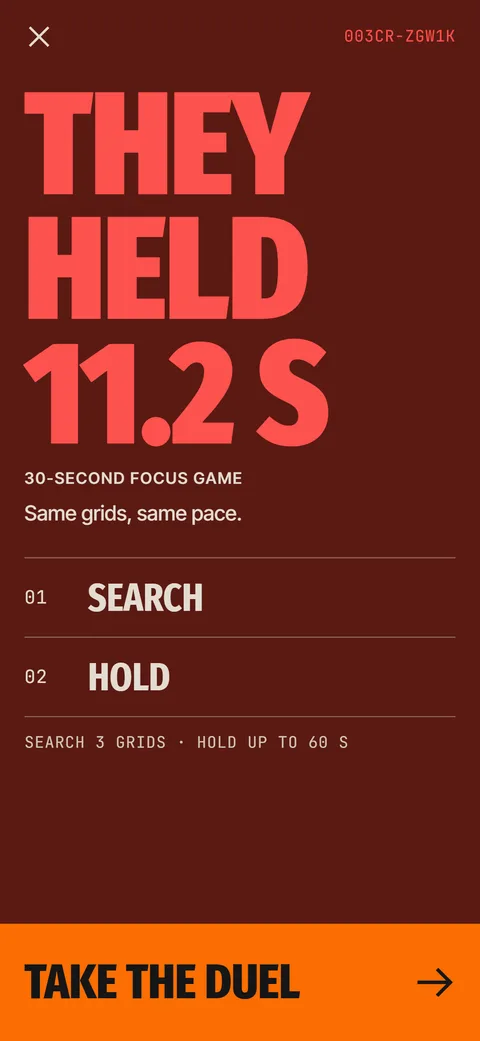 Ebb DuelsScore cards with a duel code. Same seed, same grids, a reply card comes back.
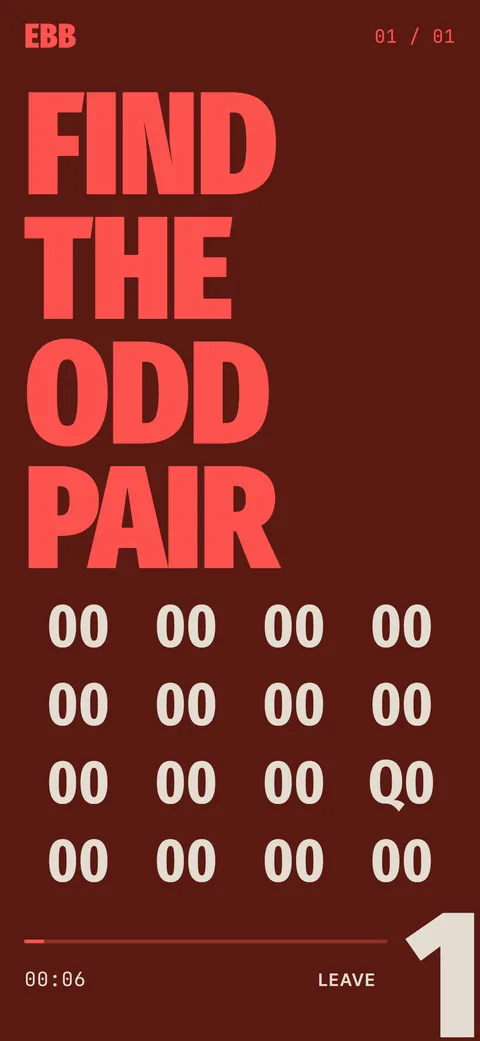
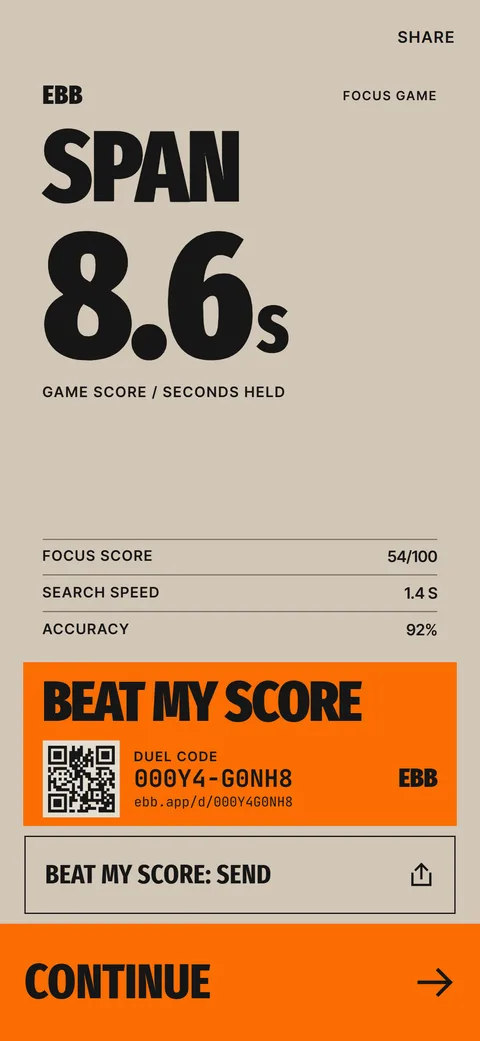 The Ebb Focus GameSearch, Hold and Switch rounds, a span score in seconds and a daily game.
 Ebb InsteadTwo-minute alternatives in six categories. 40 ideas, 6 in the free version, plus your own.Ebb Privacy PolicyNo account, no server. Data stays on your iPhone. Purchases use Apple and a billing service.What Is Brain Rot? Meaning, Origin and What to DoMeaning, a 1854 origin, the 2024 Oxford pick and practical steps for your own feed.